The Coordinator
The Coordinator is one chat for the whole canvas. It’s where the panel opens, and every canvas has exactly one, shared by everyone on it. It can see every chat (its title, status, changed lines and pull request), every frame and document, and your terminal tabs, so you can ask things like “What’s on this canvas?” or “Which chats have a PR?” without opening each one. It reads documents too, including ones you @ mention.
It can also look inside a chat: what its agent was last asked, a summary of what it did and its last reply (or the whole chat when it needs it), the chat’s changes and its files. And it can look at a frame, taking a screenshot of the live preview, or using the last saved one when the preview isn’t running, or read the page in a frame as HTML with its styles. It can also take a screenshot of a route no frame shows, at any size, or of a public web page. So you can ask “What did the sign-in chat change, and how does it look?”
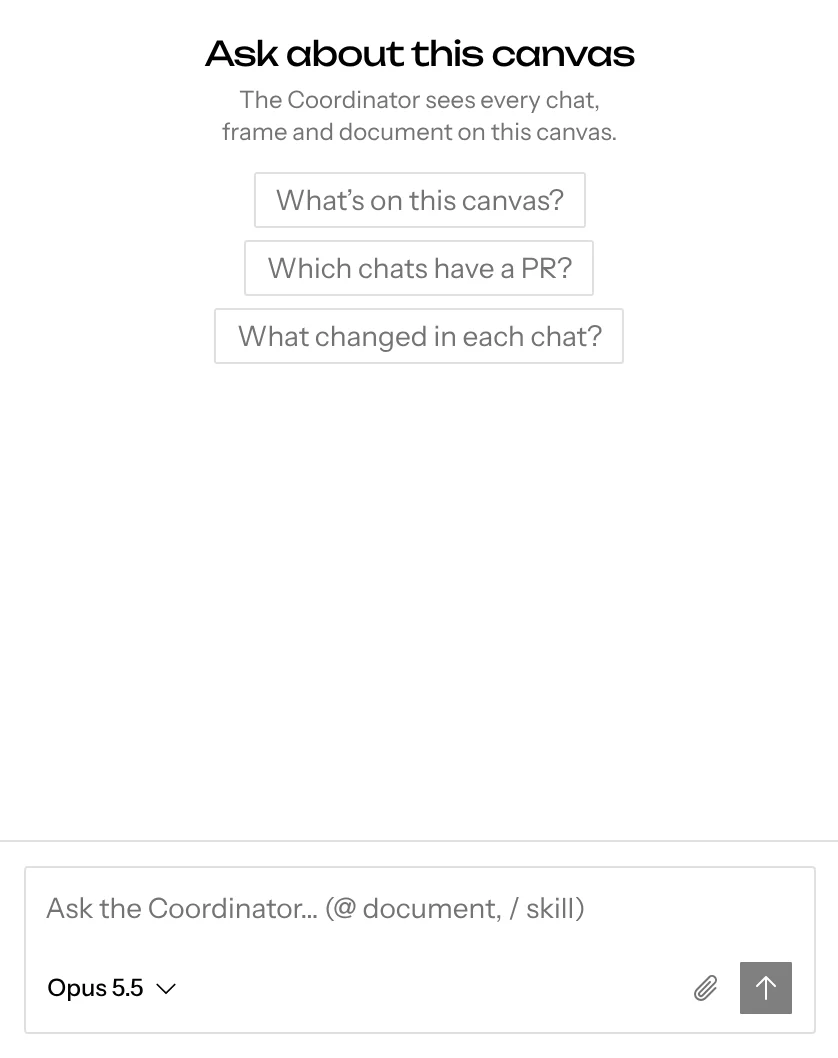
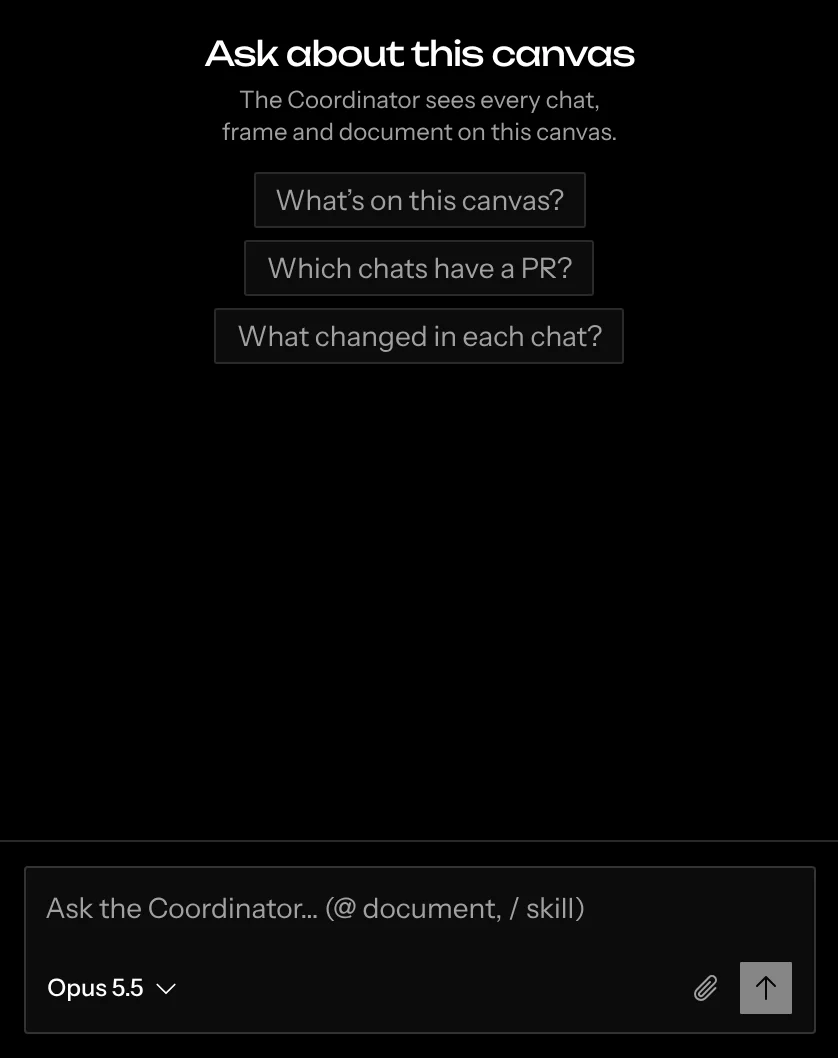
The Coordinator can also arrange the canvas. Ask it to add frames for a chat’s routes, move frames, documents and mockups between groups, rename frames and groups, gather things into a group, merge groups, or remove frames and documents. It can tidy the canvas too, or line groups up side by side, in a column or in a grid, spaced so nothing overlaps. It does these right away, without asking first. Removing a frame never removes its chat. Only the Coordinator arranges the canvas and moves the view, so the other chats never fight over the layout; it places what they make by judgment, usually beside the frames it relates to.
It can move your view as well. Ask it to “zoom to the cart”, “take me to the split screen variant” or “show me everything”, and your canvas moves to fit it. After it arranges something you asked for, it shows you the result. Only the view of the person who asked moves; everyone else’s stays where it is.
To take a change back, ask it: “undo that”. It keeps what each of its replies changed, so a frame or document it removed comes back exactly as it was, and you can undo an undo the same way. Your own ⌘Z still undoes only your own edits, never the Coordinator’s.
The Coordinator makes nothing itself. It never works inside a sandbox, never edits a chat’s files, and never writes a document or a mockup. When you ask it for any of these, it sends the ask to the chat it’s about, and that chat’s agent does the work and owns what it makes. When no chat fits, it starts a new one for the ask.
When the ask isn’t about any chat’s code, or the canvas has no repository yet, the Coordinator starts a chat with no repository for a document or mockup instead, and sends follow-ups there. On a canvas with no repository its empty chat suggests a few such asks.
Adding a repository only adds it. Until a chat on it has been asked something, the Coordinator’s empty chat asks what should change in the repository, and your first ask starts a chat for it. A chat that hasn’t been asked anything yet takes the next ask that fits its repository instead of a new one being planned; if it’s still starting, the ask runs as soon as its code is checked out.
Messages to chats
Each chat the Coordinator starts or messages shows up as a card under the Coordinator message that started it, with the chat’s title, its changed lines and its state, and under them the message it was sent. The state reads the same as the chat’s row in the Chats menu:
- Sending while the message goes out;
- Starting while the chat’s sandbox comes up;
- Working while its agent runs;
- Needs you when its plan waits for your approval, it asked you a question, or its pull request can’t merge;
- Ready once its turn ends, including a turn that ended in an error or that someone stopped;
- Stopped when its sandbox is stopped;
- Done once you mark it done;
- Failed when its sandbox failed to start;
- Removed once the chat has been deleted.
The card updates as the chat works. Click it to switch the panel to that chat; Coordinator at the start of the panel header brings you back.
In that chat, the message shows as one line, Received a message from the Coordinator. Click it to read what was asked. The chat is still yours: type in it at any time to take over.
The Coordinator won’t message a chat whose agent is already working, whose sandbox isn’t running, or whose plan is waiting on you. It tells you instead, and only you approve plans.
Starting chats
When an ask needs work no chat covers, the Coordinator starts new chats right away, without asking first, and names them in its reply. If it started one you didn’t want, ask it to remove it.
Each chat starts its sandbox, and its agent begins on the Coordinator’s first message as soon as its code is checked out, while the setup script and dev server finish. The new chats show up as cards in the Coordinator’s reply, Starting at first, each with the first message it was given. They belong to whoever asked for them. If one fails to start, the others carry on: its card shows Failed, the Coordinator tells you, and Retry on the chat brings it up and sends that first message then.
The Coordinator can also stop a chat’s running turn, which happens right away. The chat keeps everything so far.
Pull requests and removing chats
Ask the Coordinator to open a chat’s pull request or to remove a chat, and it does it right away, without asking first. Its reply shows one line saying what happened, with the pull request’s link when one opened. If it can’t, because the chat already has a pull request open or isn’t in a GitHub repository, that line says why. A pull request you didn’t want can be closed on GitHub.
The pull request goes from the chat’s git branch into the repository’s default branch, with its title and description taken from the branch’s commits, as the chat’s Create PR button does. It’s opened with the GitHub account of whoever owns the chat, even when someone else asked or the Coordinator followed up on its own.
The Coordinator can also search and read the canvas’s GitHub issues and pull requests with their comments, a pull request’s changes and CI checks, and the labels; and, when you ask, open an issue, comment, close or reopen one, or link issues as blocked by or sub-issues. Those post with the GitHub account of whoever sent the message. When it follows up on its own, it can read GitHub but not post.
Removing a chat works like Delete in the Chats menu: the chat and its frames go and its sandbox is torn down. The git branch and any pull request stay on GitHub. Removing can’t be undone.
Trying something several ways
Ask the Coordinator to try one thing several ways, like “try the sign-in page three ways”, and it starts one chat per variant, all from the same repository and branch, and says how each differs. Name the directions yourself or let the Coordinator pick them; with no number, it starts three. The variants’ frames sit side by side in one group, so you can compare them on the canvas. When every variant has finished, the Coordinator sums them up in one reply and leaves the pick to you.
When a chat finishes
The Coordinator hears from every chat on the canvas, including ones you started yourself. Each time a chat’s agent finishes, fails, is stopped or stops to wait for plan approval, the Coordinator reads what happened. That happens out of sight: while it reads, the chat shows only a quiet Catching up on line naming the chat, and its reads never appear in the chat.
It stays quiet unless there’s something you need to know: a result, a blocker, or a decision only you can make. When a chat is waiting for you to approve its plan, it tells you which one. You approve the plan in that chat; the Coordinator can’t.
When the Coordinator names a chat, frame, document or mockup, the name shows in medium weight after its icon. A chat’s icon is its state, so you can see at a glance which one is working, waiting for you or done. Click a chat’s name to open it, or any other name to show that item on the canvas.
Canvas memory
The canvas keeps a shared memory: preferences, decisions and facts about its repositories, like “Use pnpm, never npm.” Every chat on the canvas reads it. The Coordinator, like every other chat, saves to it when you tell it something worth keeping or ask it to remember something, and edits or removes entries when you ask. See Memory for managing it yourself, and for your own account memory, which follows you to every canvas.
Chatting with the Coordinator
The Coordinator’s chat works like any other chat, with a few differences. It’s one chat, so there are no tabs and no chat history. You can @ mention documents, point at what’s selected or on screen, pick its model and send while it works and pick a skill with /, but its composer has no Plan toggle and no crosshair, since it never edits code.
Its tool calls show as compact rows, like any other chat’s agent. A row that reads a chat names it, such as Read changes in Checkout. Once a change to the canvas finishes, its row says what changed, such as Renamed Group “Hero” to “Sign-in”.
A message to a chat shows as its card rather than a row, and a question it asks you shows its options to pick from. When the Coordinator runs on Claude Code, Codex or OpenCode on desktop, its rows carry the same names.