Memory
Memory is short notes chats follow without being told again: a preference like “Write UI copy in plain sentences”, a decision, or a fact about a repository like “Use pnpm, never npm.” Nothing in memory shows on the canvas. Chats read it at the start of every message.
There are two kinds:
Put what follows you everywhere (how you like things written, how big a change you prefer) in account memory, and what’s about one canvas’s work in its canvas memory. Each chat reads both: your account memory, then the canvas’s.
How chats save memory
Every chat saves to memory: chats on a repository, chats with no repository and the Coordinator. A chat saves when you tell it something worth keeping, ask it to remember something, or learns something later chats would otherwise have to ask you. Your personal preferences go to your account memory, and facts about the canvas’s work go to its canvas memory. Ask a chat to change or forget an entry and it edits or removes it.
Chats save without asking first. Each save shows in the chat as a row like Save to account memory with the entry’s text, so you can see what was kept and fix it in settings.
Account memory
Open Settings from the bottom of the home screen sidebar and choose Memory. Add memory adds an entry, Edit changes one, and … › Delete removes it once you confirm. Each row says whether an agent saved it or you added it. If a save doesn’t go through, the dialog stays open and says so, with your text still in it to try again.
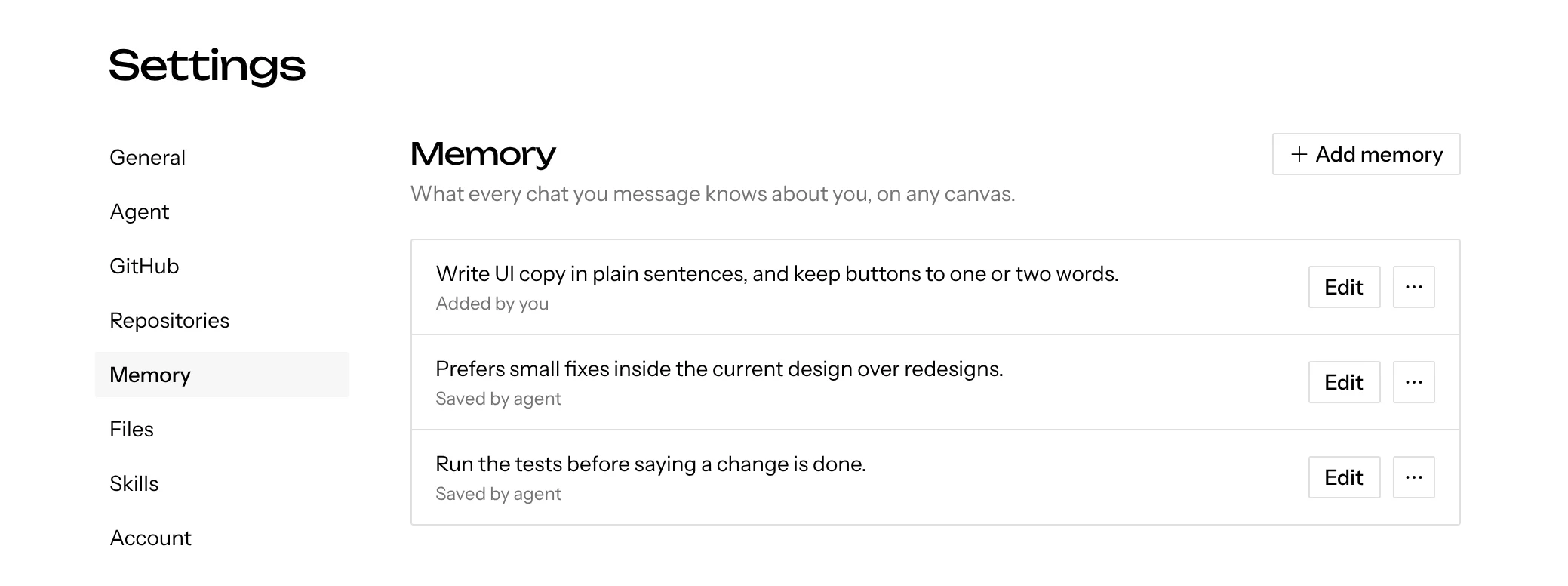
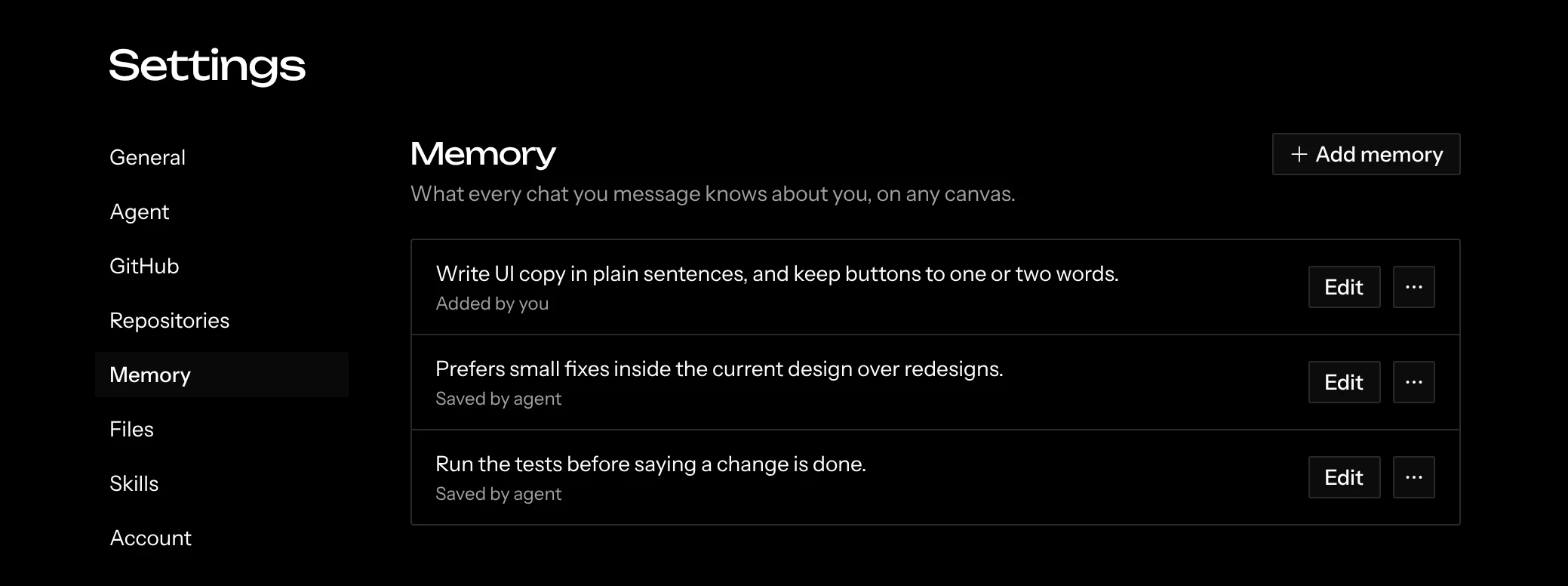
On a shared canvas, a chat reads the account memory of whoever sent the message, not of whoever started the chat. A message you send in a teammate’s chat follows your account memory, and theirs never steers it. What a chat saves to account memory during your message goes to your account, never the chat starter’s. Messages the Coordinator sends on its own, when a chat finishes, read no one’s account memory and save only to canvas memory.
Account memory works the same on the desktop app, where it belongs to the one person using the app.
Canvas memory
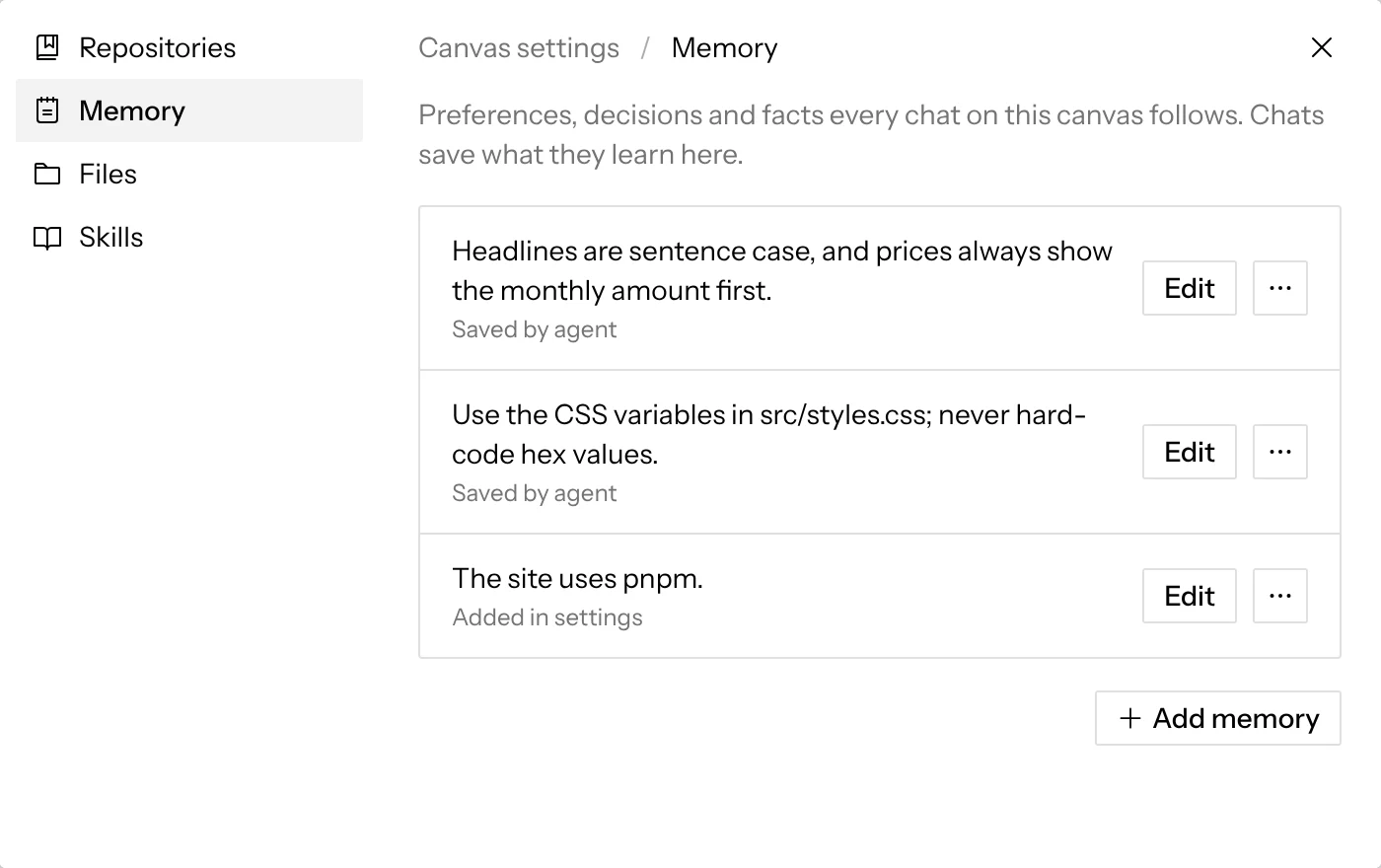
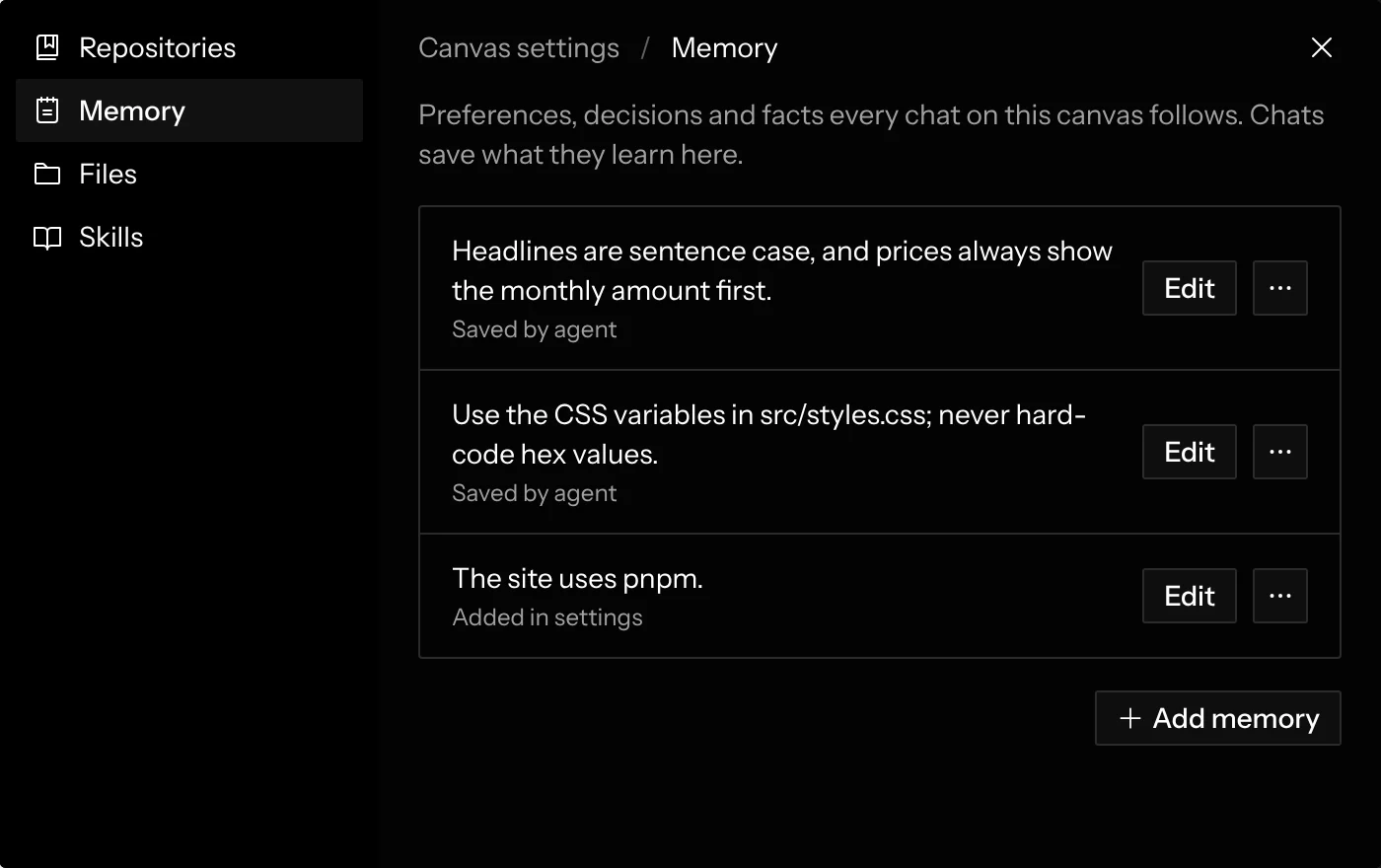
To read or change it yourself, open Canvas settings from the … next to the canvas name and choose Memory. Edit changes an entry, … › Delete removes it once you confirm (⌘ Z on the canvas brings it back), and Add memory adds one. Everyone on a shared canvas sees the same entries.
Limits
An entry holds up to 1,000 characters; memory is notes, not documents. When a list grows past 100 entries, chats read the newest 100. On the desktop app, a chat that runs through an external harness gets memory when the chat starts. Never put secrets or credentials in memory.