Play mode
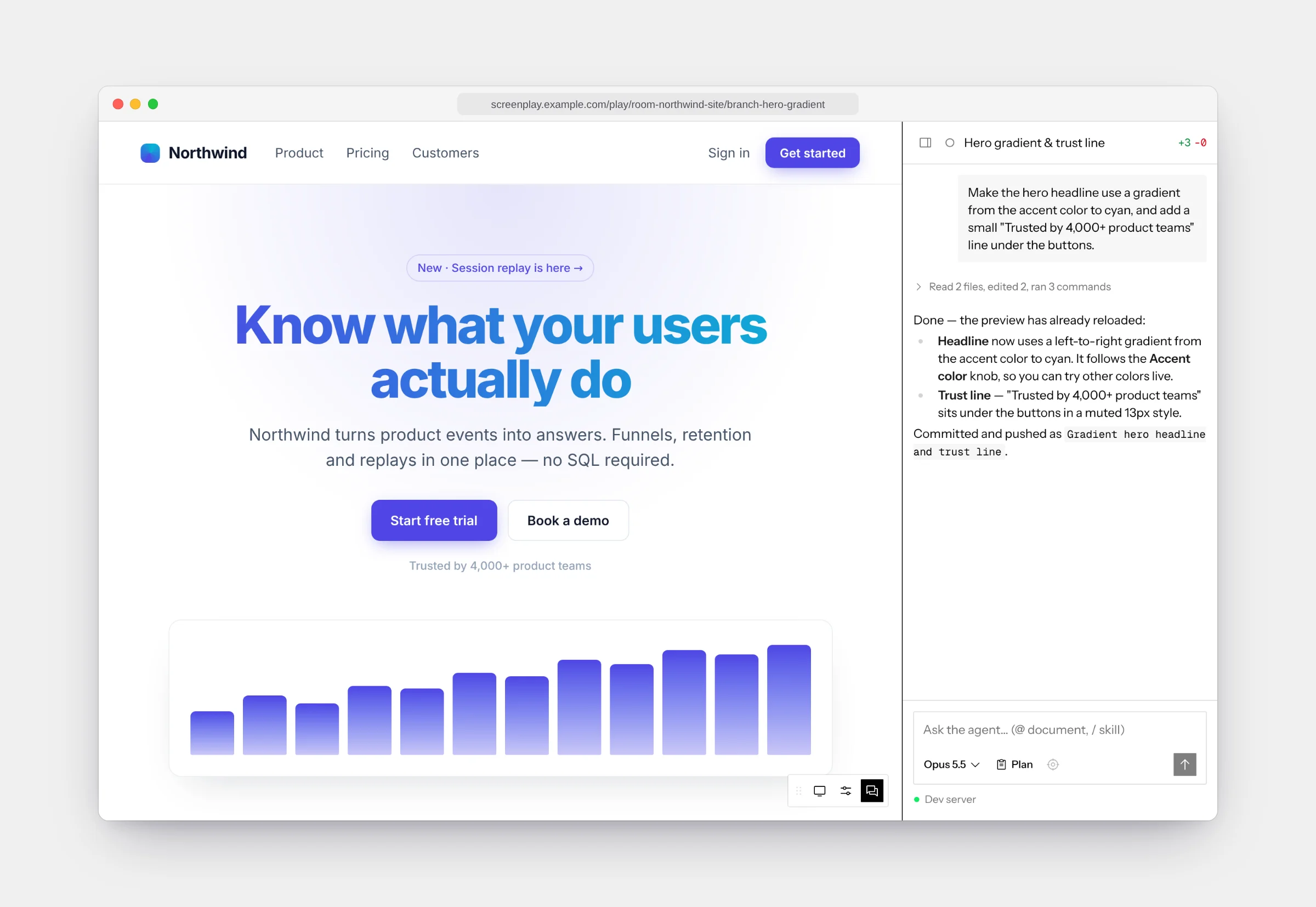
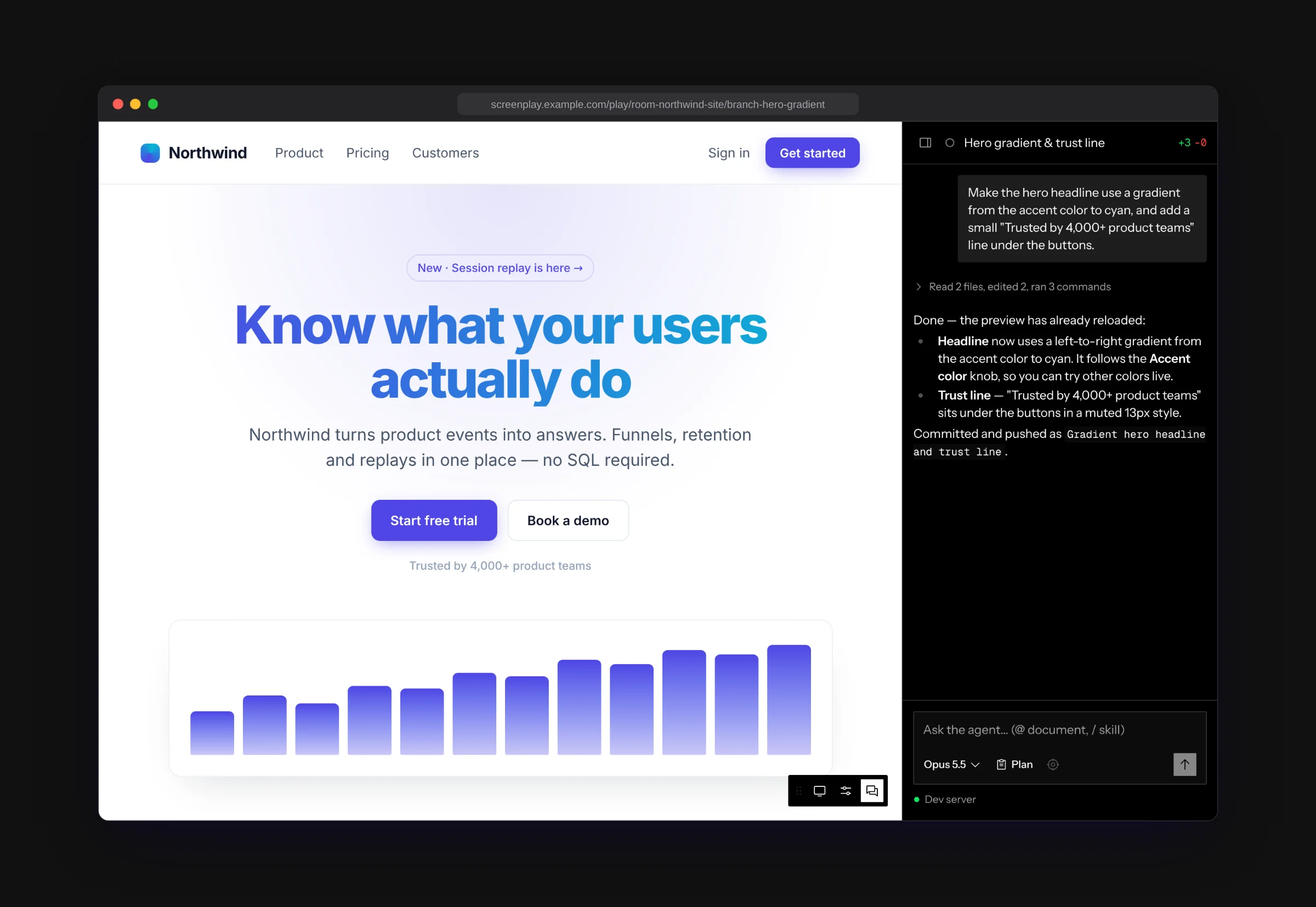
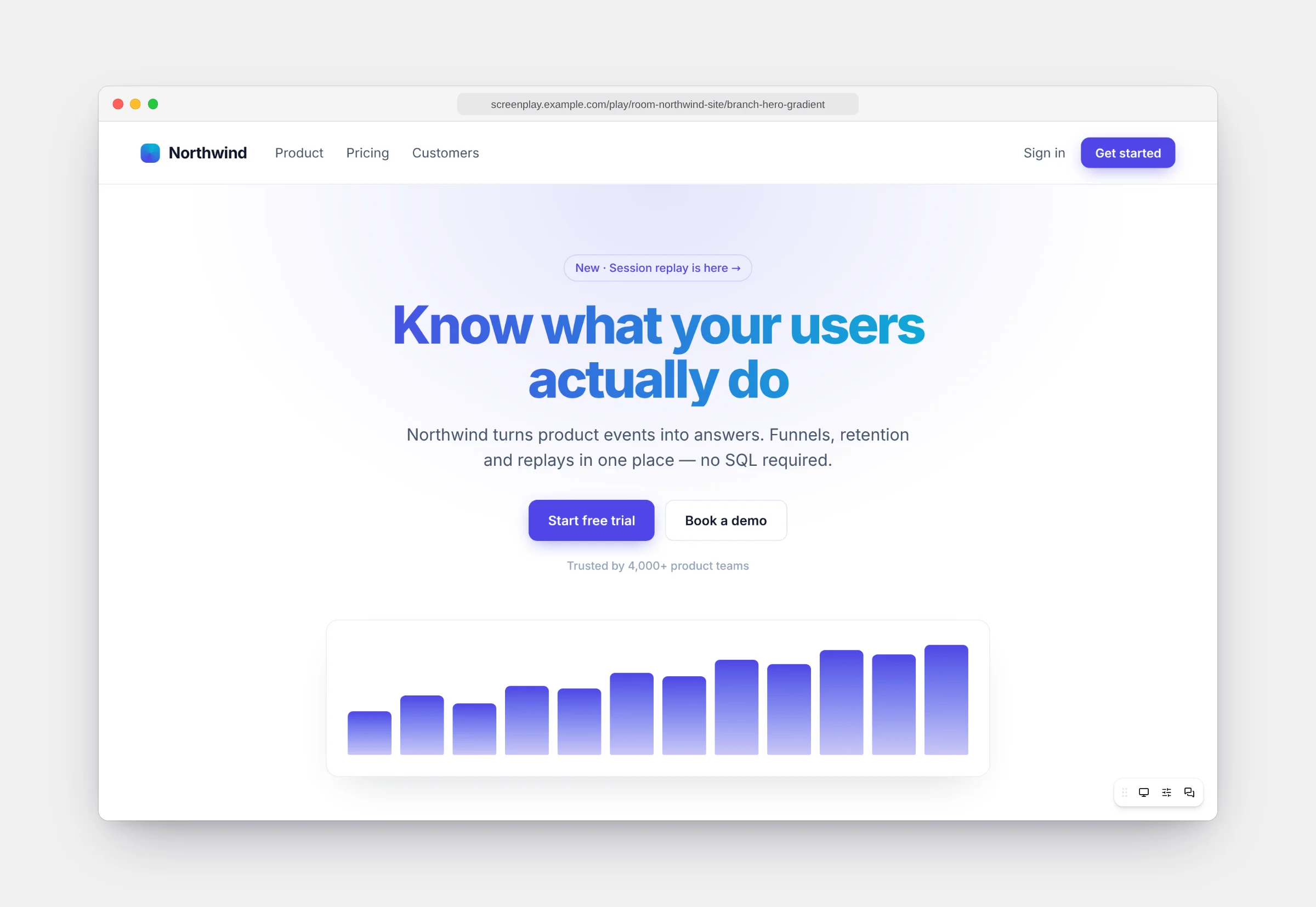
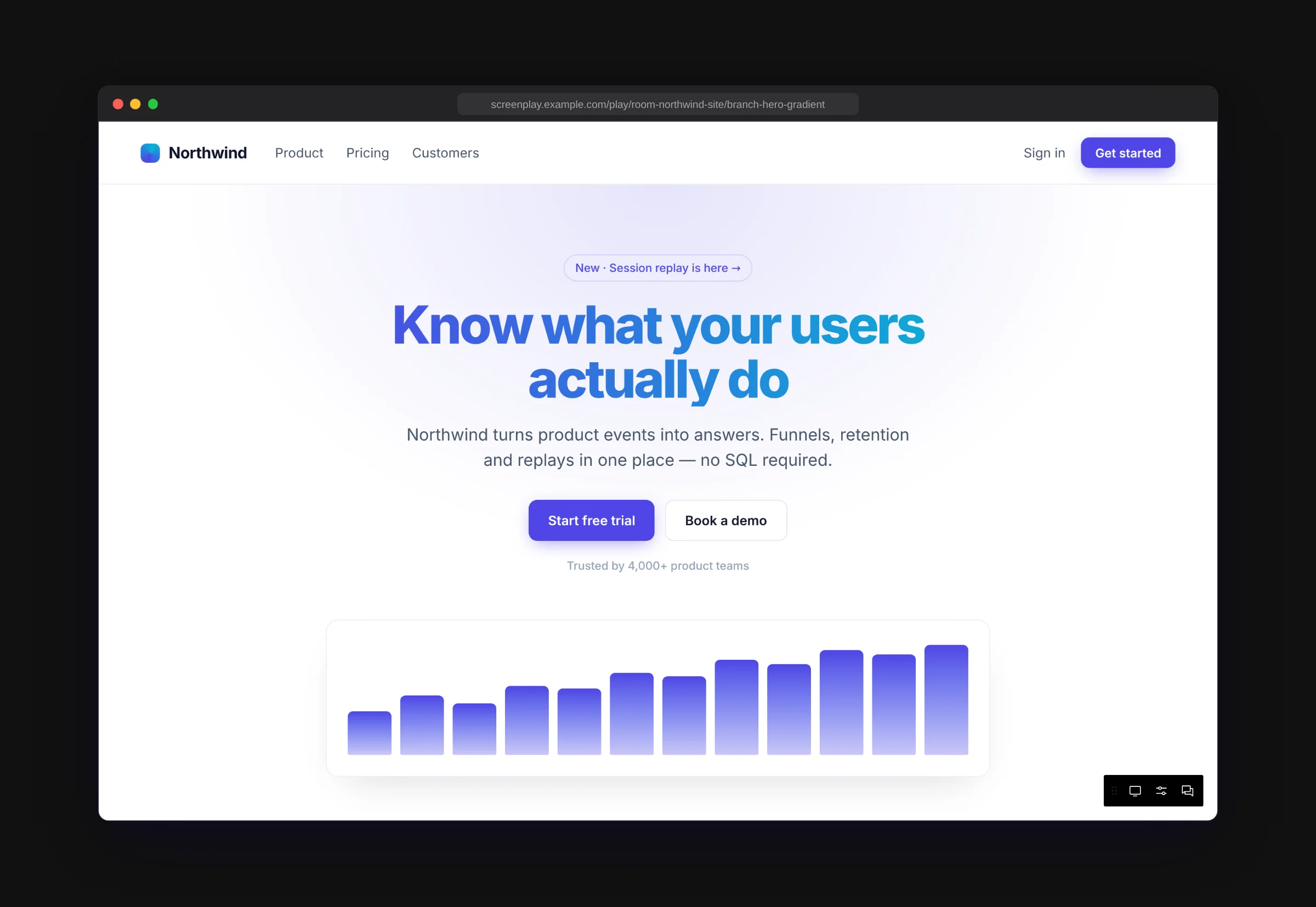
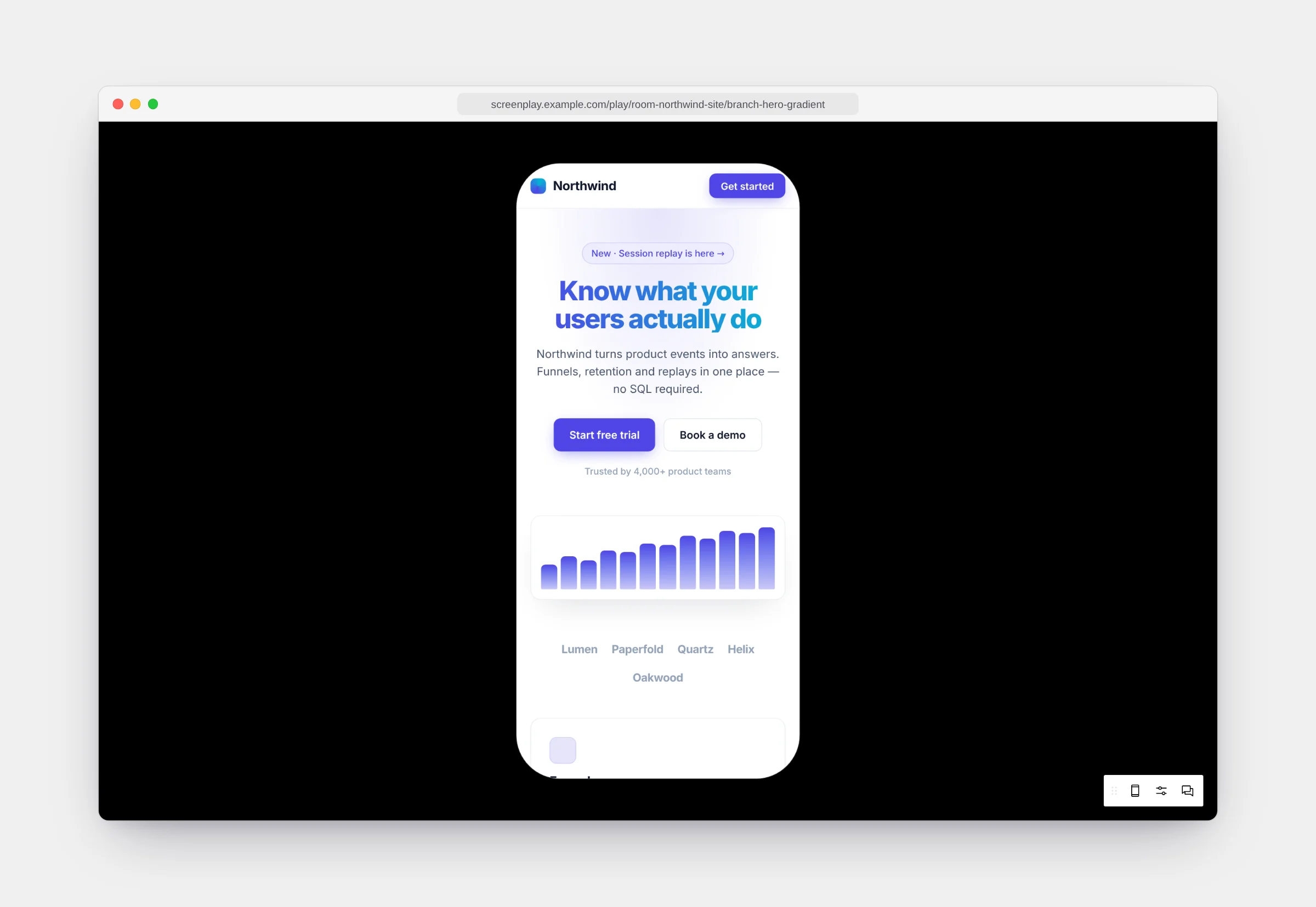
Play mode (the prototype player) opens a chat’s app full screen, with no canvas around it. Use it to test a flow properly or present a prototype.
Open it from:
- a chat’s … → Open prototype player, or
- a frame’s More → Chat → Open prototype player. The player opens on that frame’s route and with its knob values.
The player opens in a new browser tab (on desktop, in your default browser), titled ▶ canvas name. Its link opens the player on the route and knob values the frame had when you opened it; it doesn’t follow you as you click around. On the hosted app, anyone with access to the canvas can open the link.
The player controls
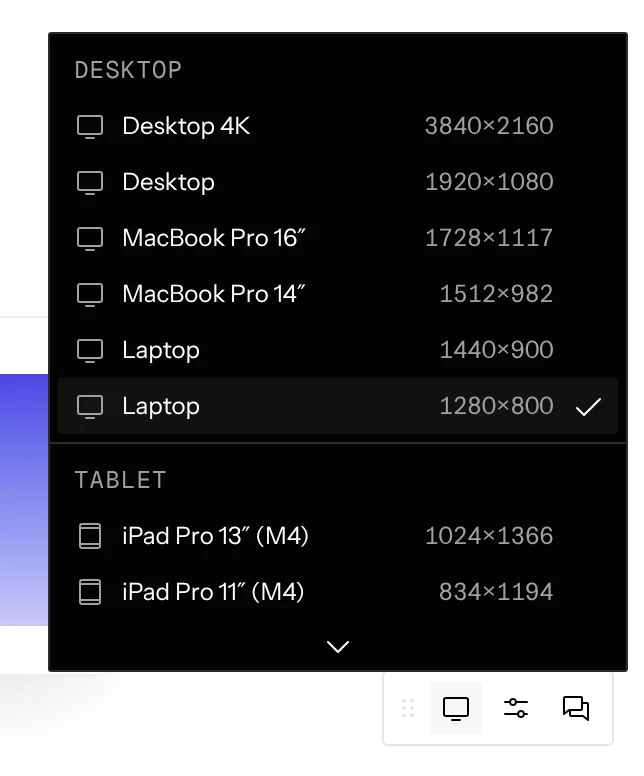
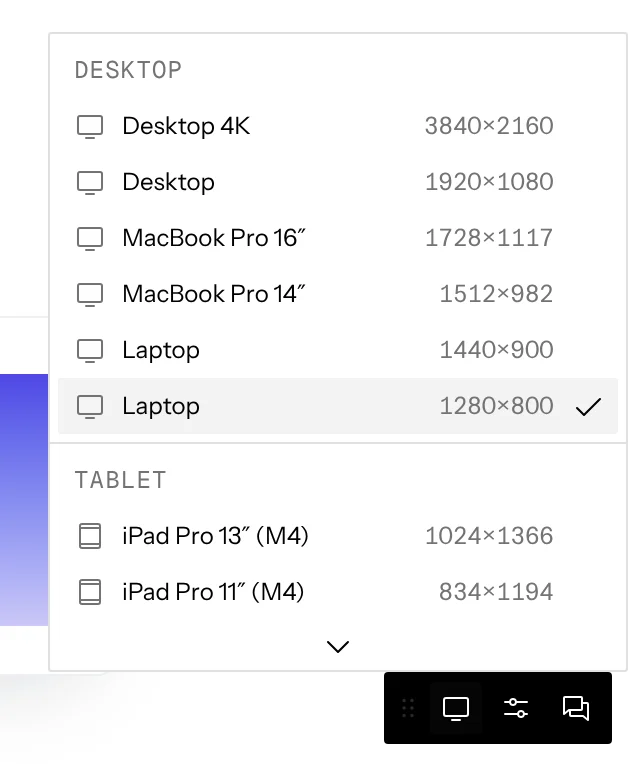
A small bar in the corner holds the controls. Drag it by its handle to any corner; the position is remembered.
Mobile sizes
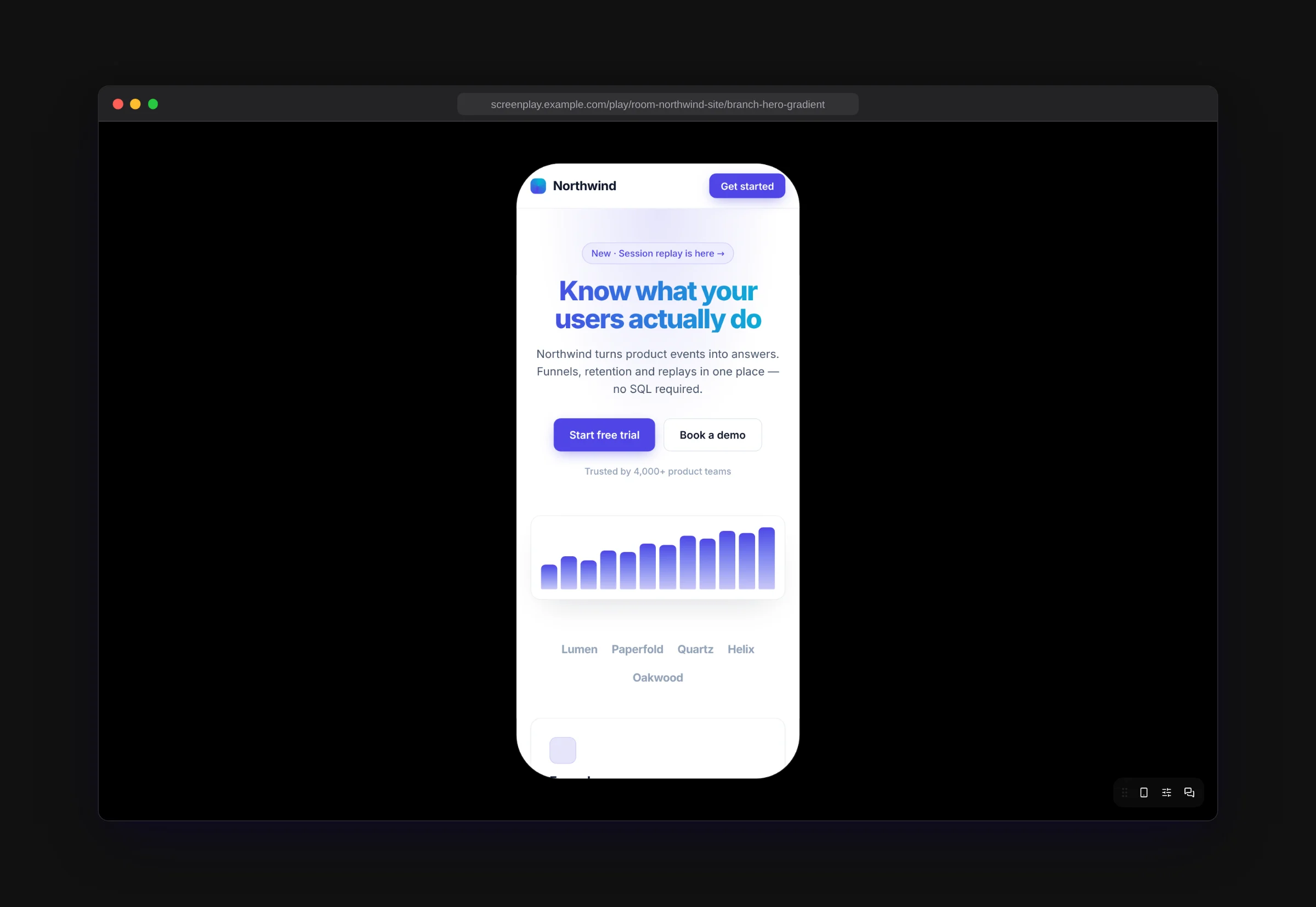
Pick a phone to preview inside a device outline. Pointer input switches to touch, so tap targets and scrolling behave like the real device.
Knobs and the agent
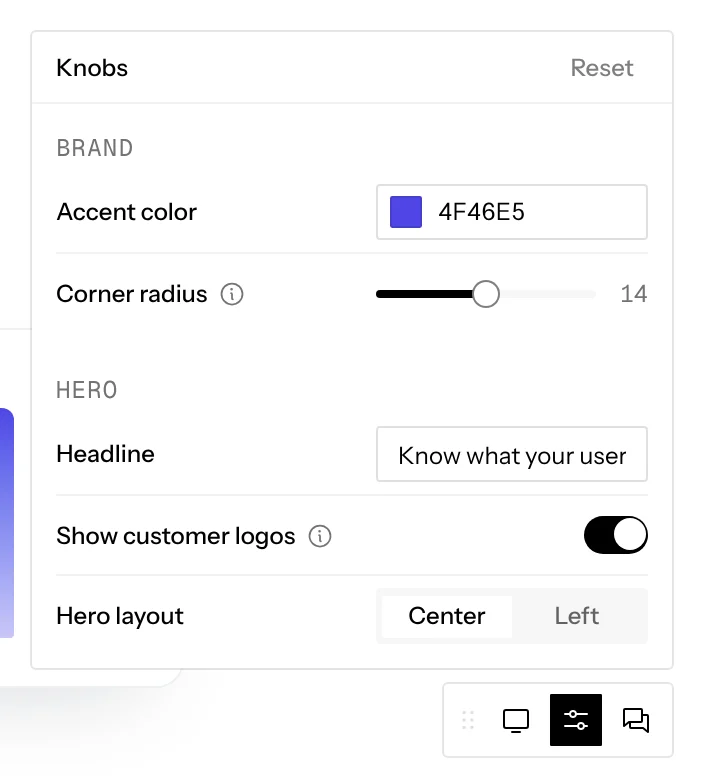
Knobs opens the same controls as the frame’s knobs popover, with a Reset button. Knob changes in the player apply to the player only; the frame on the canvas keeps its own values.
Show chat docks the chat beside the prototype. The preview updates live as the agent changes the code.